

Key Takeaways
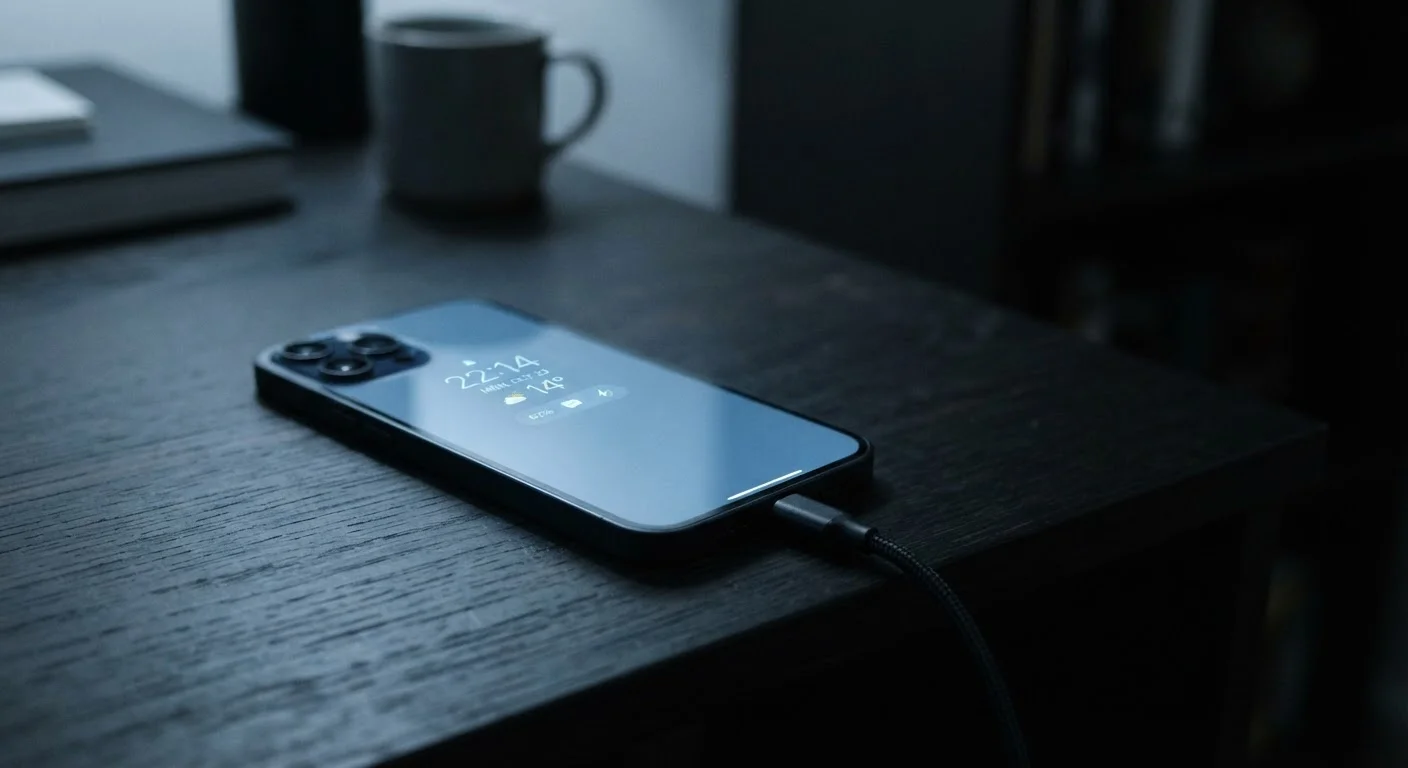
- Leaving your phone plugged in overnight does not significantly damage modern lithium-ion batteries.
- Dark mode saves meaningful battery only on OLED screens, not LCD displays.
- Closing background apps frequently can actually increase battery drain, not reduce it.
- Screen brightness and blue light have different effects - neither causes permanent eye damage.
- Third-party chargers are not automatically harmful if they meet recognized safety certifications.
Why Device Myths Spread So Easily
Smartphones and laptops are deeply personal tools, and most people have strong intuitions about how to keep them healthy. The problem is that many of those intuitions are rooted in how older technology worked - not today's devices. Advice that was reasonable for nickel-cadmium batteries or cathode-ray monitors has been recycled online long after the underlying hardware changed.
The result is a persistent cloud of half-truths that shape daily habits - from how people charge their phones to how bright they keep their screens. This article works through the most common myths, explains what's actually happening inside your device, and helps you decide which habits genuinely matter.
For a closer look at how screen habits connect to your broader digital life, see approaches to managing screen time as an adult.
Myth
You should let your phone's battery drain completely before charging it to preserve battery health.
Fact
Fully draining a lithium-ion battery regularly is actually harmful. These batteries prefer partial charges and perform best when kept between roughly 20% and 80%.
This advice originated with older nickel-cadmium batteries, which developed a "memory effect" and needed full discharge cycles. Lithium-ion batteries - used in virtually all modern smartphones and laptops - work on entirely different chemistry. Deep discharges stress the cells and accelerate long-term capacity loss. Most device manufacturers now build charge-limiting features directly into operating systems to discourage this.
Myth
Leaving your phone plugged in overnight ruins the battery.
Fact
Modern smartphones stop actively charging once they reach 100% and use onboard circuitry to prevent overcharging. Overnight charging is generally safe under normal conditions.
Current smartphones include battery management systems that trickle power or pause charging when the battery is full. Some operating systems go further with optimized charging features that learn your schedule and delay reaching 100% until just before you typically unplug. Prolonged exposure to high temperatures is a much greater threat to battery health than overnight charging - keeping your phone under a pillow or in a hot car matters more.
Myth
Closing apps running in the background saves battery life.
Fact
Frequently force-closing background apps can actually increase battery consumption because reopening them from scratch uses more power than keeping them suspended.
Mobile operating systems - both iOS and Android - are designed to manage background app activity automatically. Suspended apps use negligible resources. When you force-quit them, the processor has to do more work to reload them from scratch the next time you open them. There are exceptions: apps that actively use location services or stream audio in the background do consume meaningful battery, but those are a specific subset, not all background apps.
Myth
Dark mode saves battery on any phone.
Fact
Dark mode meaningfully reduces battery consumption only on OLED and AMOLED displays, where black pixels are actually switched off. On LCD screens, the backlight stays on regardless of what color is displayed.
OLED screens light each pixel individually, so displaying true black means those pixels draw no power. On an OLED phone, dark mode with predominantly black backgrounds can extend battery life noticeably. LCD screens use a constant backlight panel behind the display, so the color shown has little effect on power draw. Check your device's display type before assuming dark mode is a battery-saving strategy.
Myth
Blue light from screens permanently damages your eyes.
Fact
Current evidence does not support the claim that blue light from consumer device screens causes permanent eye damage. Digital eye strain is real but is primarily caused by sustained focus, not light wavelength.
Blue light at high intensities - such as from direct sunlight - can be harmful over time. Consumer device screens emit blue light at levels orders of magnitude lower. The discomfort people experience after extended screen use (dryness, blurriness, headaches) is largely attributed to reduced blinking, fixed focal distance, and screen glare - not light spectrum. The American Academy of Ophthalmology does not recommend blue-light-blocking glasses for screen use based on the current research base. Regular breaks and adjusting screen distance help more.
Myth
Third-party chargers always damage your device.
Fact
Third-party chargers that meet recognized safety certifications (such as UL listing in the US) are generally safe. The risk comes from uncertified, very low-cost chargers with no safety testing.
Reputable third-party chargers manufactured to certification standards include the same protective circuitry as original equipment. Extremely cheap, uncertified chargers - particularly those that lack proper voltage regulation - are the real concern: they can deliver inconsistent power and in rare cases pose safety risks. Checking for certification marks before purchasing a charger is a practical safeguard. Price alone is not the determining factor, but unusually cheap chargers from unknown manufacturers are worth approaching with caution.
The Battery and Charging Myths
Battery anxiety is real - and understandable. A degraded battery shortens the life of an expensive device. But several popular workarounds people use to protect battery health are either ineffective or actively counterproductive.
~500
Charge cycles before noticeable battery capacity loss
Lithium-ion batteries in typical smartphones are generally rated to retain around 80% capacity after approximately 500 full charge cycles, according to general industry specifications.
20-80%
Optimal charge range for lithium-ion longevity
Battery researchers and device manufacturers widely recommend keeping lithium-ion batteries within this range to minimize electrochemical stress during daily use.
The chemistry in modern lithium-ion batteries is managed by sophisticated onboard controllers that limit charge and regulate heat. Most of the dramatic battery damage scenarios people fear require more extreme conditions than typical everyday use. For a deeper dive into what actually causes degradation, learn why phone batteries degrade and what slows it down.
Separately, some specific charging habits do cause quiet, cumulative damage - but they tend to be different from the ones most people worry about.
Heat Is the Real Battery Enemy
Sustained heat - not overnight charging or dark mode settings - is the primary environmental factor that degrades lithium-ion batteries over time. Avoid leaving devices in hot cars, in direct sunlight, or under insulating materials like pillows while charging. Even modest temperature increases over time can meaningfully accelerate capacity loss.
Screen Brightness, Blue Light, and Your Eyes
Concerns about screen damage to eyesight have grown alongside screen use itself. Eye strain from long device sessions is real - but the explanation people usually reach for (that screens permanently damage vision) is not supported by the current weight of evidence.
The technology inside your smartphone screen varies significantly between display types, which is why blanket claims about screens behave differently across devices. If you're noticing your device feels sluggish or its display seems degraded, that's worth investigating - these are signals your device may need replacing rather than repairing.
Eye Strain Is Real - Even If Damage Isn't
The absence of evidence for permanent eye damage does not mean long screen sessions are consequence-free. Digital eye strain - temporary discomfort, blurred vision, and headaches - affects many heavy screen users. The 20-20-20 guideline (every 20 minutes, look at something 20 feet away for 20 seconds) is a widely recommended practice to reduce strain. If you experience persistent eye discomfort, consult an eye-care professional rather than self-diagnosing.