

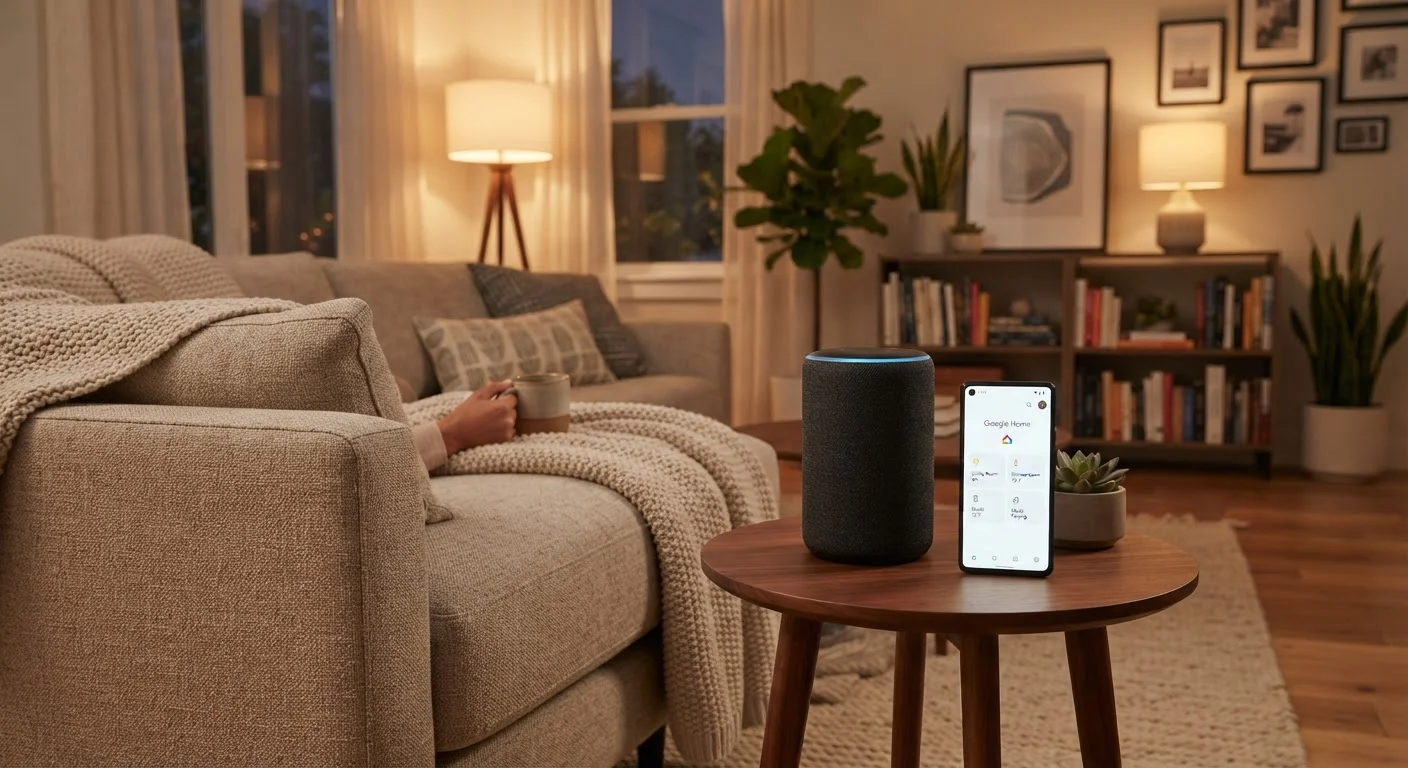
Key Takeaways
- Smart home devices connect to your Wi-Fi and are controlled through apps or voice commands.
- Smart plugs are the easiest entry point - they require no special wiring or hub.
- Most devices belong to an ecosystem like Google Home, Amazon Alexa, or Apple HomeKit.
- Setting up a device typically takes less than ten minutes using a companion smartphone app.
- Reviewing privacy settings and using strong passwords protects your home network.
Start here
What Is a Smart Home, Really?
Next
The Core Devices to Know First
Then
How Ecosystems and Voice Assistants Fit Together
When you're ready
Setting Up Your First Device: What to Expect
Before you connect
Privacy and Security Basics
What Is a Smart Home, Really?
A smart home is simply a living space where everyday devices - lights, outlets, thermostats, speakers - can be controlled remotely or automatically through an internet connection. Instead of walking to a wall switch, you might tap an app, speak a command, or set a schedule so things happen on their own.
The key ingredient is your home Wi-Fi network. Almost every consumer smart home device connects to it the same way your phone does. From there, a companion app on your smartphone acts as the control panel. You don't need coding skills or a background in networking. If you've ever connected a phone to Wi-Fi, you already understand the core mechanic.
If you want a broader look at how connected devices communicate behind the scenes, our complete guide to consumer electronics ecosystems explains Bluetooth, cloud syncing, and device pairing in plain language.
Smart home ecosystem
A collection of apps, cloud services, and compatible devices that all work under one platform - such as Amazon Alexa or Google Home - allowing them to communicate with each other.
Voice assistant
An AI-powered feature built into smart speakers or displays that responds to spoken commands to play music, answer questions, or control connected devices.
Matter
A newer industry standard designed to help smart home devices from different brands work together without being locked into a single ecosystem.
Firmware
The built-in software that runs on a device's internal hardware. Manufacturers release firmware updates to fix bugs and improve security.
IoT (Internet of Things)
The broader category of everyday physical objects - thermostats, bulbs, locks - that connect to the internet to send and receive data.
The Core Devices to Know First
You don't need to automate your entire home on day one. Most people start with one or two devices and build from there. Here are the categories worth understanding first:
- Smart plugs: These slip into any standard wall outlet and give you remote on/off control over whatever is plugged into them - a lamp, a fan, a coffee maker. No wiring required.
- Smart bulbs: Screw into standard light sockets. They let you adjust brightness and sometimes color through an app or voice command.
- Smart speakers: Tabletop devices with built-in voice assistants. They play music, answer questions, and control other smart devices when you speak to them.
- Smart thermostats: Replace your existing thermostat and allow remote temperature control and scheduling. Installation typically requires turning off power at the breaker - consult the device manual and, if in doubt, a licensed electrician.
- Video doorbells: Show a live camera feed from your front door on your smartphone when someone rings or approaches.
Smart plugs are the lowest-friction starting point. They're reversible, require zero installation, and immediately demonstrate what smart home control feels like in practice.
How Ecosystems and Voice Assistants Fit Together
An ecosystem is a family of apps, services, and compatible devices that work together under one platform. The three main ones in the US are Amazon Alexa, Google Home, and Apple HomeKit. When you pick a smart speaker or display as your central hub, you're also picking an ecosystem.
Most smart home devices list which ecosystems they support on their packaging. A device that supports multiple platforms gives you more flexibility. The newer Matter standard - a cross-industry protocol - is gradually making it easier for devices from different brands to work together regardless of ecosystem.
Voice assistants - the AI built into smart speakers - let you control compatible devices by speaking. Saying something like "turn off the kitchen light" sends a command through the app ecosystem to the target device. It works reliably for straightforward tasks; complex multi-step requests can occasionally require some patience as you learn the right phrasing.
Curious whether a smart speaker or a smart display suits your situation better? See how the extra screen changes the experience to help you decide.
Start with one room, not the whole house
Trying to automate every room at once is a quick route to frustration. Pick one space - often a living room or bedroom - and get comfortable with a single device before expanding. This also helps you figure out which ecosystem you prefer before committing to more hardware.
Setting Up Your First Device: What to Expect
The setup process follows a similar pattern across almost all smart home devices:
- Download the companion app - every device has one, available free from the App Store or Google Play.
- Create or log into an account - this ties your devices to your identity so you can control them remotely.
- Plug in or install the device - for smart plugs and bulbs, this means physically connecting them. For thermostats or hardwired switches, follow the included instructions carefully and cut power first.
- Follow the in-app pairing steps - the app walks you through connecting the device to your Wi-Fi network, usually by entering your password once.
- Name the device - give it a clear name like "Bedroom Lamp" so voice commands and app controls stay intuitive.
Most setups take under ten minutes. If a device fails to connect, the most common fix is moving it closer to your router during initial setup, then relocating it once connected.
Privacy and Security Basics
Smart home devices collect some data - usage patterns, voice snippets (for voice-activated devices), and network activity - to function. Understanding a few baseline habits helps you stay in control:
- Use a strong, unique password for each device account and your Wi-Fi router's admin panel.
- Keep firmware updated. Device makers release security patches regularly; most apps prompt you when an update is available.
- Review app permissions. Check what data each app is allowed to access on your phone, and disable anything that seems unnecessary.
- Consider a separate IoT network. Many modern routers let you create a guest network specifically for smart devices, isolating them from computers and phones that hold more sensitive data.
Voice recordings and privacy
Voice-activated devices typically process wake words locally but may send subsequent commands to cloud servers for interpretation. Most platforms let you review and delete stored voice history through their app settings. Check the privacy section of your device's companion app to see what options are available to you.
Smart home technology can pair well with broader home organization goals. If you're rethinking how your space functions overall, getting started with home organization offers a practical mindset for tackling your home systematically.