
Home Internet Explained: What the Different Connection Types Actually Mean

Key Takeaways
- Fiber internet is currently the fastest and most consistent home connection type available.
- Cable internet is widely available and fast enough for most households, but can slow during peak hours.
- DSL uses your phone line and is slower than fiber or cable, but reaches many rural and suburban areas.
- Fixed wireless delivers internet via radio signals - useful where cables haven't been laid.
- Availability, not just speed, determines which connection types you can actually choose from.
- Understanding your connection type helps you set realistic expectations and troubleshoot problems.
Home Internet Connection Types
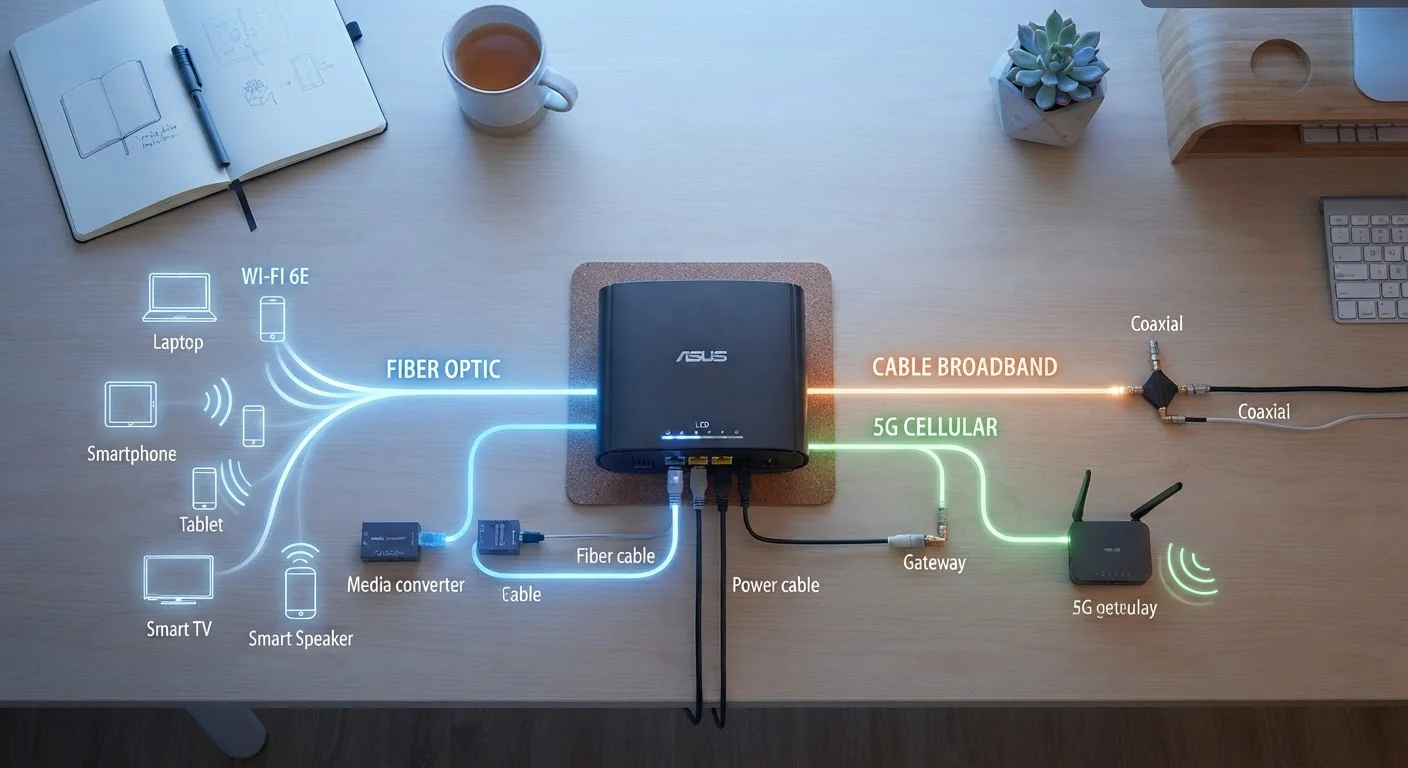
A home internet connection type refers to the physical or wireless technology used to deliver internet service to your home. Common types include fiber, cable, DSL, and fixed wireless - each using different infrastructure to transmit data. The type available to you depends largely on where you live and what providers have built in your area.
Each connection technology differs in the medium it uses (fiber-optic glass, coaxial copper cable, telephone-grade copper wire, or radio frequencies), which directly determines its theoretical speed ceiling, latency characteristics, and vulnerability to congestion.
Why Your Connection Type Matters
When you pay for home internet, you're not just buying a speed number - you're buying access through a specific technology. That technology shapes how reliably your connection performs, how fast it can realistically go, and what circumstances might cause it to struggle. Understanding the difference between connection types won't change what's available at your address, but it will help you make sense of your service and set reasonable expectations.
For a broader look at how your home internet relates to your overall connectivity picture, see a complete overview of internet and mobile connectivity. And if you're curious how your home connection interacts with your phone's mobile data, this breakdown of mobile data vs. home Wi-Fi explains which one is actually doing the work at any given moment.
Fiber: Glass Cables, Top Speeds
Fiber-optic internet transmits data as pulses of light through thin glass or plastic cables. Because light travels far faster than electrical signals through copper, fiber can deliver dramatically higher speeds - often symmetrical, meaning upload speeds match download speeds. This is a meaningful advantage for video calls, cloud backups, and uploading large files.
Fiber also tends to be more consistent than other technologies. It isn't affected by distance from the provider's facility in the way older copper-based systems are, and it doesn't share bandwidth with neighbors the way cable infrastructure does. The main limitation is availability - fiber networks require significant infrastructure investment, so they remain concentrated in urban and suburban areas.
Check Before You Assume Fiber Is Available
Fiber internet is expanding rapidly, but availability varies street by street in some areas. Even if a neighbor has fiber service, it doesn't guarantee your address qualifies. Always verify with your provider directly by entering your exact address - not just your zip code.
Cable: Fast and Widely Available
Cable internet runs over the same coaxial copper cable infrastructure originally built for cable TV. It's the most common broadband type in the US, capable of delivering speeds that comfortably support streaming, gaming, and video calls for most households.
The trade-off is that cable is a shared network. Households in the same neighborhood share capacity on the same cable line, which means speeds can dip during evenings or weekends when usage is high. Upload speeds on cable also tend to lag well behind download speeds - a distinction that matters more as remote work and video calls have become common. To understand what those speed numbers actually mean in daily use, see what Mbps really means for streaming and video calls.
Upload vs. Download: Why Both Matter
Most internet plans advertise download speed prominently, but upload speed affects how well you can send data - including video call quality, uploading files to cloud storage, and streaming yourself on platforms like Zoom or YouTube. Cable connections often have noticeably lower upload speeds than download speeds, while fiber connections tend to offer more balance between the two.
DSL and Fixed Wireless: Reaching Further
DSL (Digital Subscriber Line) uses existing telephone copper wiring to deliver internet. It's slower than fiber or cable, and its speed degrades the farther your home is from the provider's local hub. That said, DSL reaches many areas that haven't received cable or fiber infrastructure upgrades, making it a practical option in rural and semi-rural communities.
Fixed wireless internet takes a different approach entirely - no cables required. A provider broadcasts a signal from a tower, and a receiver antenna installed at your home picks it up. Speeds and reliability vary based on terrain, distance from the tower, and weather. Satellite internet is a related but distinct category: it uses orbiting satellites rather than ground-based towers, which means it can reach extremely remote locations but often involves higher latency.
Once you know your connection type, the next step is making sense of your plan options. Evaluating internet plans covers what to look at beyond the advertised speed figure, and if you're starting from scratch, setting up a home network for the first time walks through the full process.